Popular text to speech tool
TextAloud translates written text on a computer screen into audio so you can listen to anything available to be read online.
Top Recommended Alternative

For people whose sights are trained on a computer screen all day long, reading in-depth articles on favorite blogs or sifting through long emails is the last thing you want to do at the end of a day at the office. You may also have a medical condition that means it's easier to listen than to read.
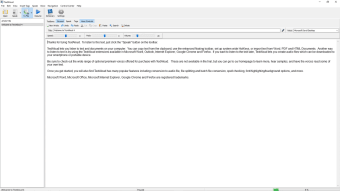
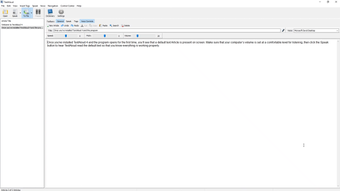
TextAloud is a text to speech tool that will read all this text aloud for you, so you don't have to. The beauty of TextAloud is that it not only reads out anything you copy and paste into the voice window, but also allows you to save the resulting speech as an audio file. Effectively this means you can transform any web page, email or text document into a podcast to download to your MP3 player and listen to at your leisure. TextAloud keeps file sizes at a minimum, making it possible to save entire novels as a audio files of less than 1 megabytes apiece.
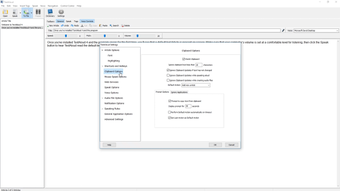
Unfortunately, TextAloud's default speech sounds somewhat monotonous which can get dull really quickly. TextAloud does have options to let you change the tone and speed of the speaking voice, but this doesn't really have much effect on improving the overall sound of the speech. The full version of TextAloud has quite a bit more to offer since it makes use of AT&T's Natural Voice technology. You can choose from several different accents with this feature, including UK English, Indian English and Spanish. It's almost as convincing as having someone sit next to you and reading out loud.
Although the voice in the freeware version is pretty monotonous, TextAloud is a nice option for anyone who wants text read out loud.